Buried by things
you meant to read?
Every unread newsletter and long article is a small tax on your day. Send it to OtterSay and get the summary or the audio back in your inbox, no reading required.
Free to try. No sign-up, no app, no credit card. Plans from $7/mo, see pricing.
Why I built this
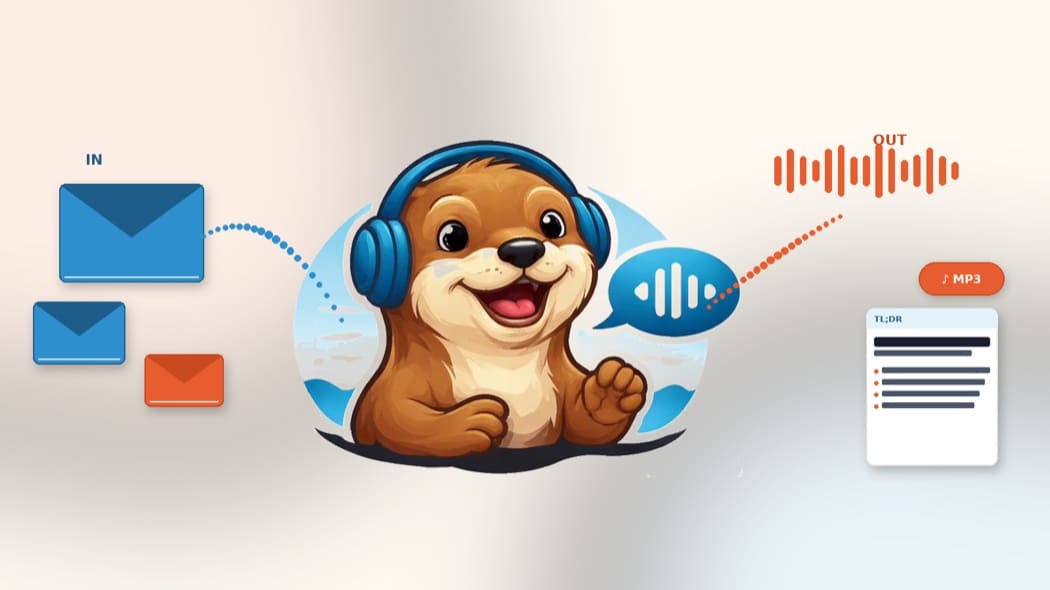
I'm subscribed to 23 newsletters and usually have 8+ articles sitting open in tabs. I saved them for "when I have time to really read this," and that moment never comes. I have commute time, walk time, gym time, just not reading time. So I built OtterSay for myself first: forward a newsletter and get an MP3 back, or forward an article and get a clean TL;DR in your inbox. No app, no account, no dashboard to check.
— Martin, founder of OtterSay
"I like how simple it is. I used to use Pocket for this, but for some reason they shut it down."
— Jakub, early tester
TL;DR
Send any email, article, or report to tldr@ottersay.com and get back a clean, structured summary: headline, key facts, conclusion, and questions worth asking yourself.
Learn more →Text to Speech
Forward to tts@ottersay.com (or tts+voicename@ottersay.com) and receive an MP3 audio file in your inbox. Listen on your commute, your walk, or while doing the dishes.
How it works
Three steps. That's it.
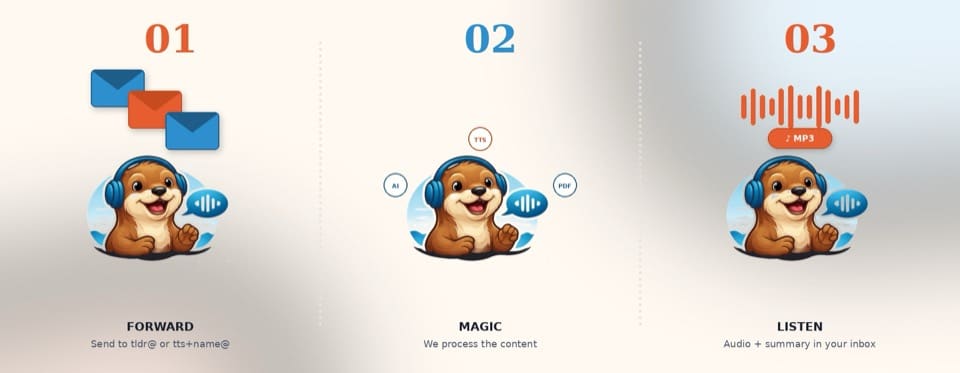
Send an email
Forward any article, newsletter, or PDF to the service address.
We handle it
AI summarizes or converts to audio. PDFs included.
Get the reply
MP3 or structured summary lands in your inbox within minutes.
Why OtterSay?
No app or login required
Works entirely through your existing email client.
Automatic account creation
Your account is created on your first email. No sign-up form.
Supports all formats
Newsletters, articles, reports, PDFs. All accepted.
Reduces information overload
Get the key points without reading everything word for word.
Listen during commutes or walks
Turn your reading list into a podcast you actually finish.
Multiple languages
Summaries work in whatever language your content is in.
Frequently asked questions
What types of content can I send?
Plain text, HTML emails, .txt, .html, .pdf attachments. If you paste text in the email body, that works too.
How does my account get created?
Automatically when you first email the service. No sign-up, no password, no form to fill in.
Is my data safe?
Email content is processed transiently and deleted after your request is fulfilled. We never store the content of what you send us.
What languages are supported?
Summaries (TL;DR) work in multiple languages. We'll summarize whatever language your content is in. Audio (TTS) is currently English only, with US and UK accents.
Can I pick a voice?
Yes, see the Voices page. There are 12 voices across three tiers: standard (Free), neural (Starter+), and premium (Pro only).
How are credits used?
Free tier: 200 credits as a one-time trial when you first use the product, no monthly renewal. Starter and Pro plans come with a monthly credit allowance that renews each billing cycle. Credits are consumed based on the length of content and voice quality. Standard voices use 100 chars/credit; neural use 25; premium use 4 or 2.
Try it free right now
No sign-up, no credit card, no app.